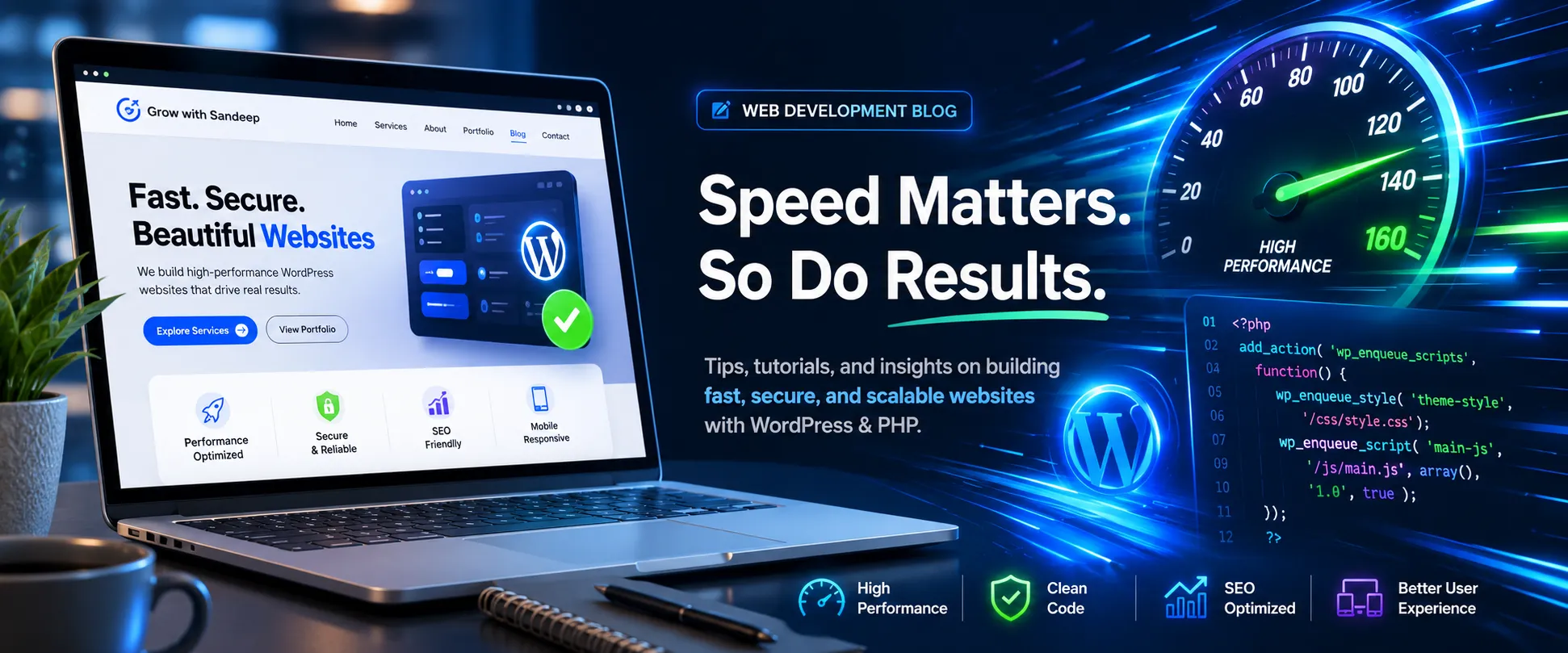
Why Your Website’s Loading Speed is Killing Your Conversions (and How to Fix It)
In the digital world, first impressions happen in milliseconds. You could have the most beautiful design, the most premium products, and the best services in the market—but if your website takes more than 3 seconds to load, half of your potential clients are already gone.
Search engines love speed, and users demand it. Let’s dive into why website performance is your ultimate revenue driver and how we can optimize it.
The Brutal Truth About Slow Load Times
According to data from Google, as page load time goes from 1 second to 3 seconds, the probability of a bounce (someone leaving instantly) increases by 32%. If it takes 5 seconds, that probability jumps to 90%.
A slow website hurts your business in two major ways:
- Poor User Experience (UX): Users get frustrated and switch to a competitor.
- Damaged SEO Rankings: Google explicitly uses page speed as a ranking factor. A slow site gets pushed to page 2 or 3 of search results.
3 Common Culprits Slowing Down Your Site
If your WordPress or PHP site is dragging, it’s usually due to one of these hidden issues:
- Bloated Databases: Over time, databases accumulate overhead, old post revisions, and junk data that slows down queries.
- Unoptimized Images & Assets: Uploading huge, raw images directly to your server drains bandwidth.
- Heavy Plugins & Poor Code: Too many plugins or poorly written PHP scripts create bottlenecks every time a page loads.
How to Fix It: The Optimization Checklist
To turn your sluggish website into a high-performing lead machine, you need a strategic approach to technical maintenance:
1. Optimize Your Database
Regular Database Optimization ensures that your PHP backend can fetch data instantly without sorting through gigabytes of digital clutter.
2. Implement Smart Caching & Minification
Caching serves pre-rendered HTML pages to users instantly, reducing the load on your server. Minifying CSS and JavaScript files strips away unnecessary characters to shrink file sizes.
3. Leverage High-Performance Coding
Clean code matters. Ensuring your custom WordPress themes and PHP frameworks use the latest, optimized coding standards significantly cuts down server response times.
Conclusion: Don’t Let Seconds Cost You Thousands
| “Website optimization isn’t a one-time setup; it’s continuous maintenance.” |
If you run an e-commerce store or a business website, every second saved is money earned. Investing in Website Performance and Technical SEO ensures you stay ahead of the competition and keep your visitors right where they belong—on your site.
Need a speed boost? If your WordPress or PHP website is running slow and losing you business, let’s fix it together. From database optimization to clean backend code restructuring, I help businesses scale effortlessly. Contact me today for a complete performance audit!